Features
What you can do with Limere
At a bar, an event or a friend's party, the places you already go, you can see who else is open to meeting someone new. If you don't get to talk in the moment, you can still find each other after you leave.

What you can do / 01
Being in the same room is your opener
Events
Find public events, or host one yourself.
Nearby
See who else is here right now and who's open to meeting someone.
Meet now
Find a good match in the same room, and start talking when you're both in.
Crossed paths
Find the people you didn't get to meet, once you're home.
It's mutual
You're into them, and they picked you too. That's when we let you both know.
More than one you
Work events, hangouts, the club. Show up as a different you at each one.
Who sees you
Show up when you feel like it, go invisible when you don't.
You shouldn't have to go out of your way to meet someone
You already have places you want to go and things you want to try. We just make it a little more likely you'll meet someone along the way.
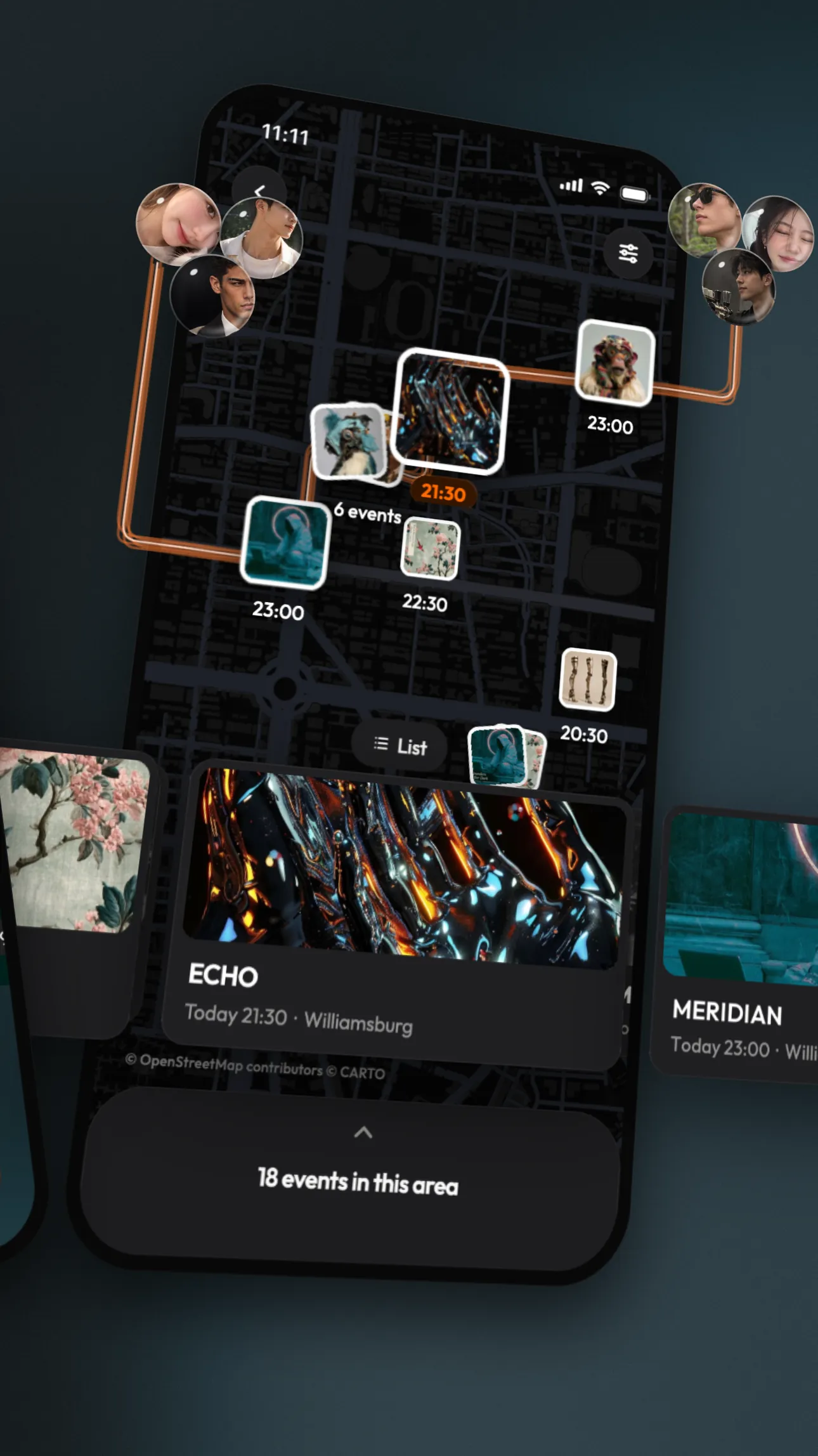
This city’s worth exploring
Open the map, the fun’s close by
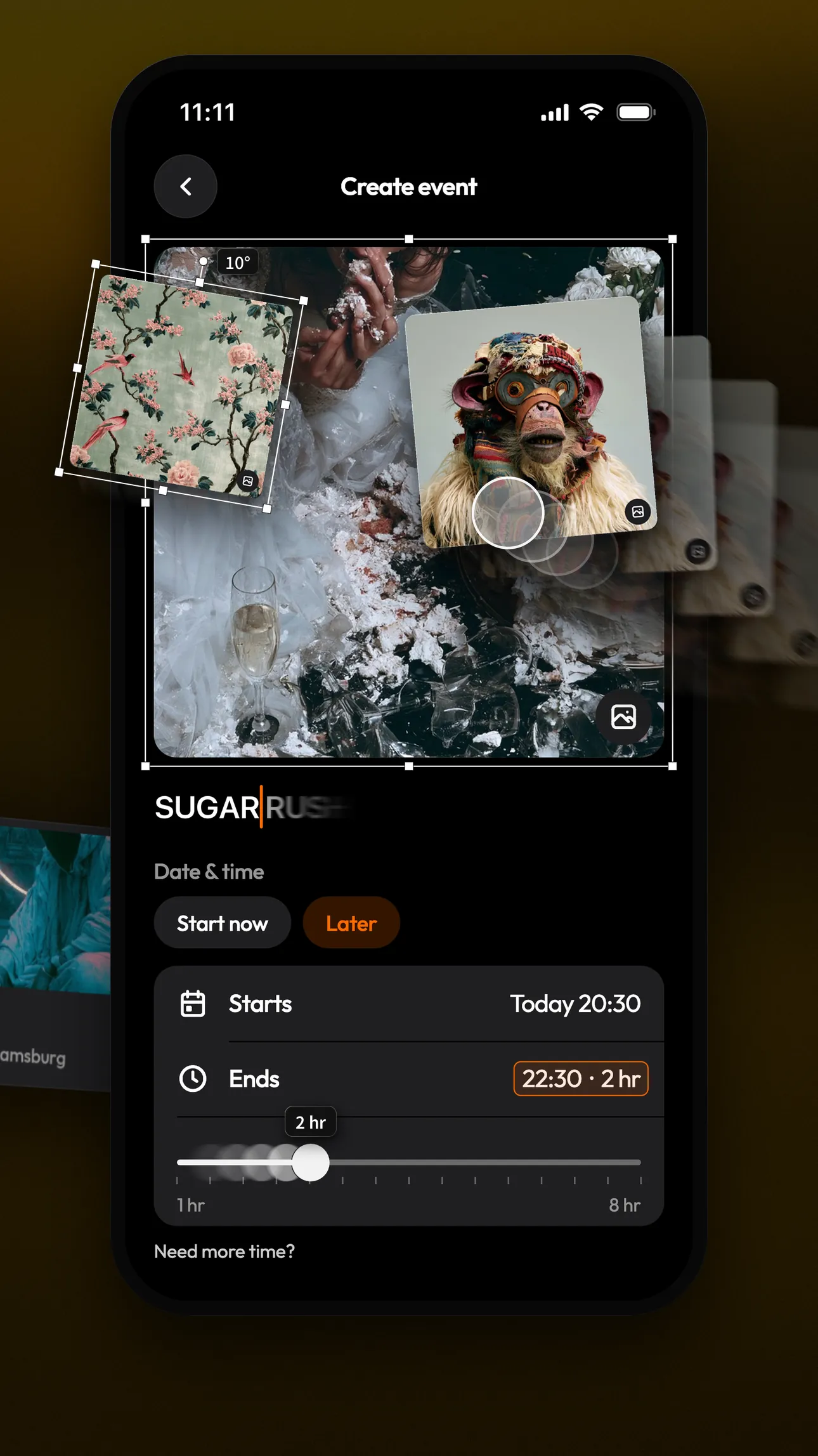
Always waiting on others?
This time, you make the plans
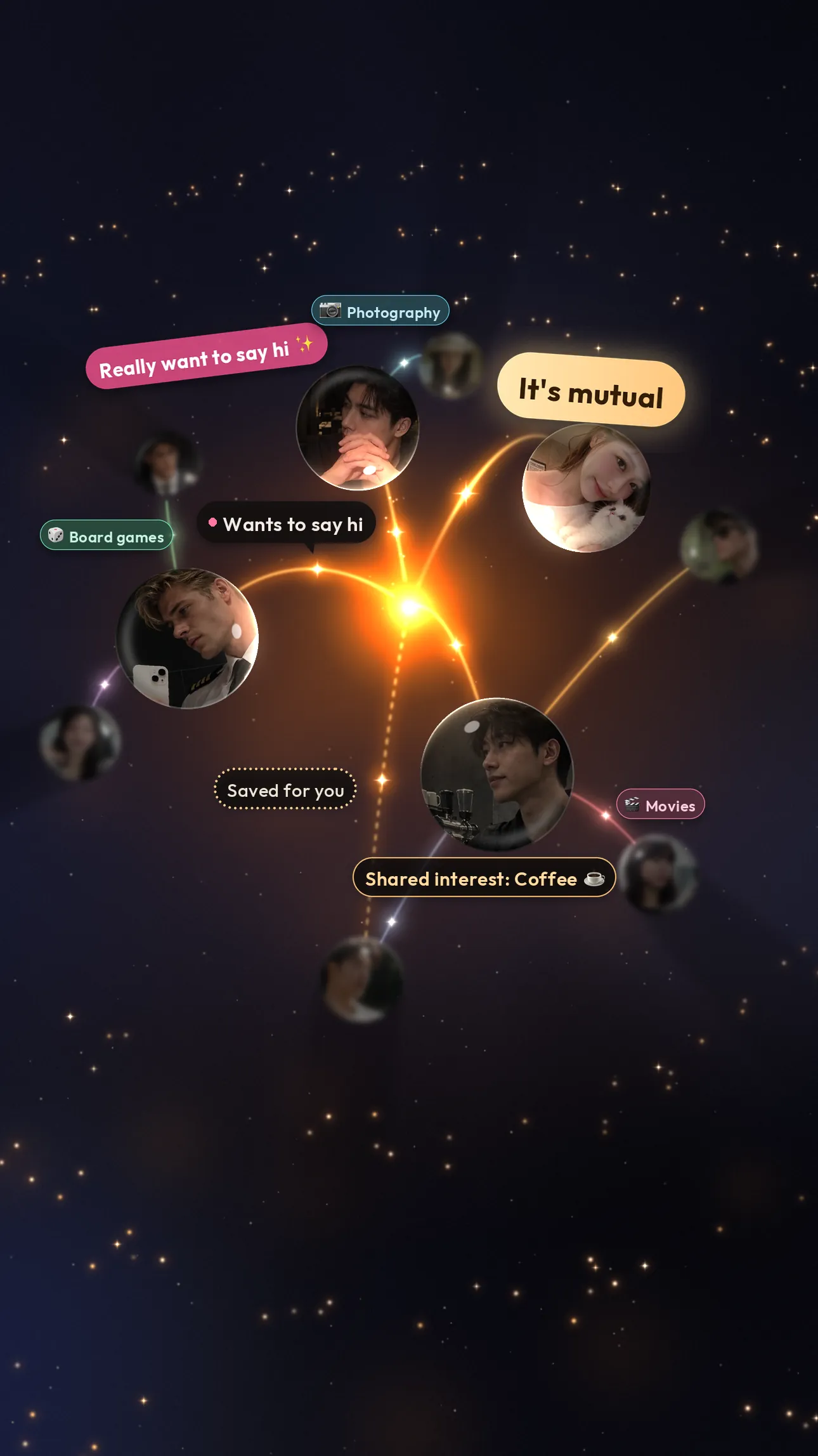
You’re not the only one
See who’s around you right now
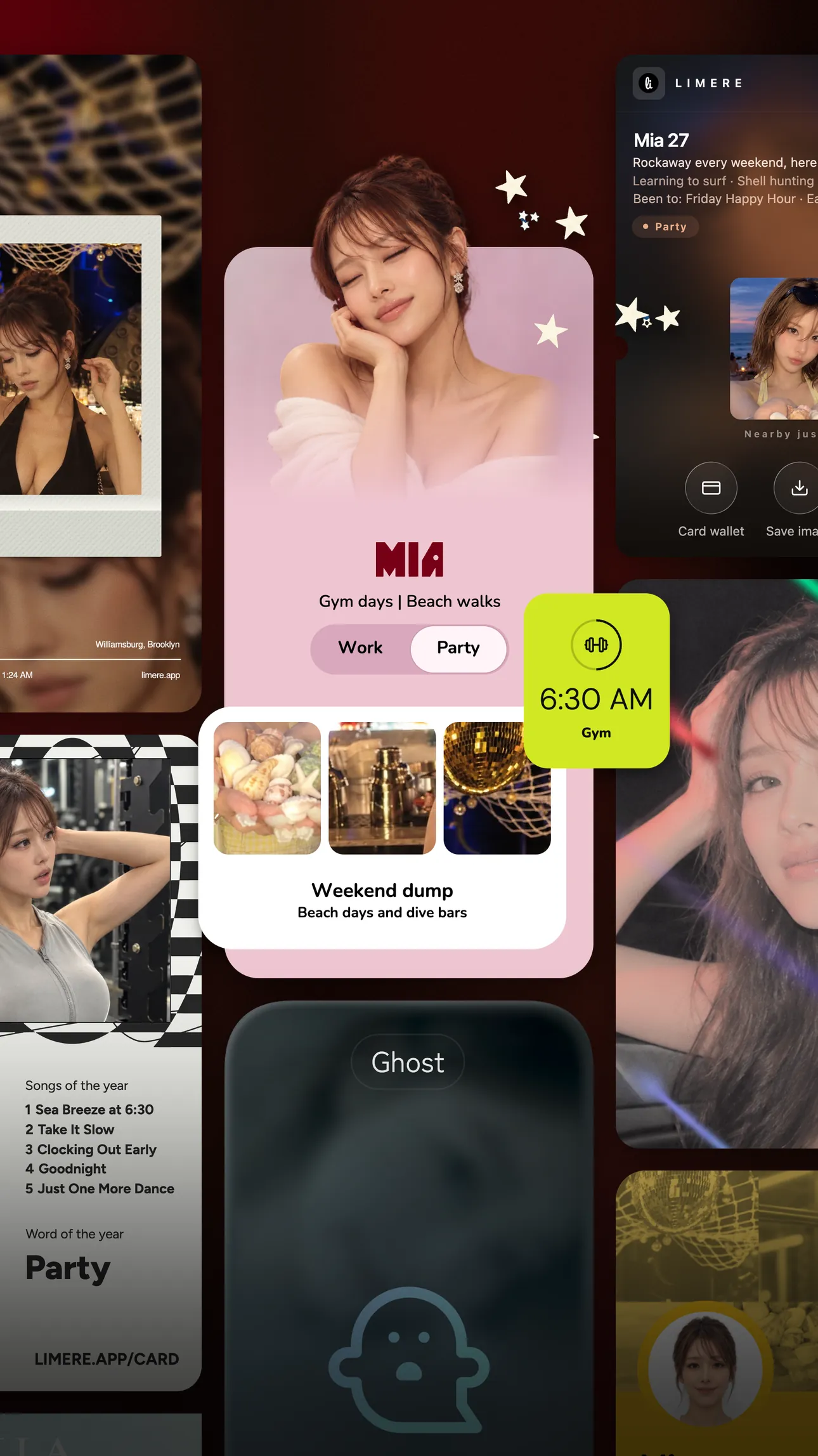
Who will you be tonight?
Switch identities, or go Ghost
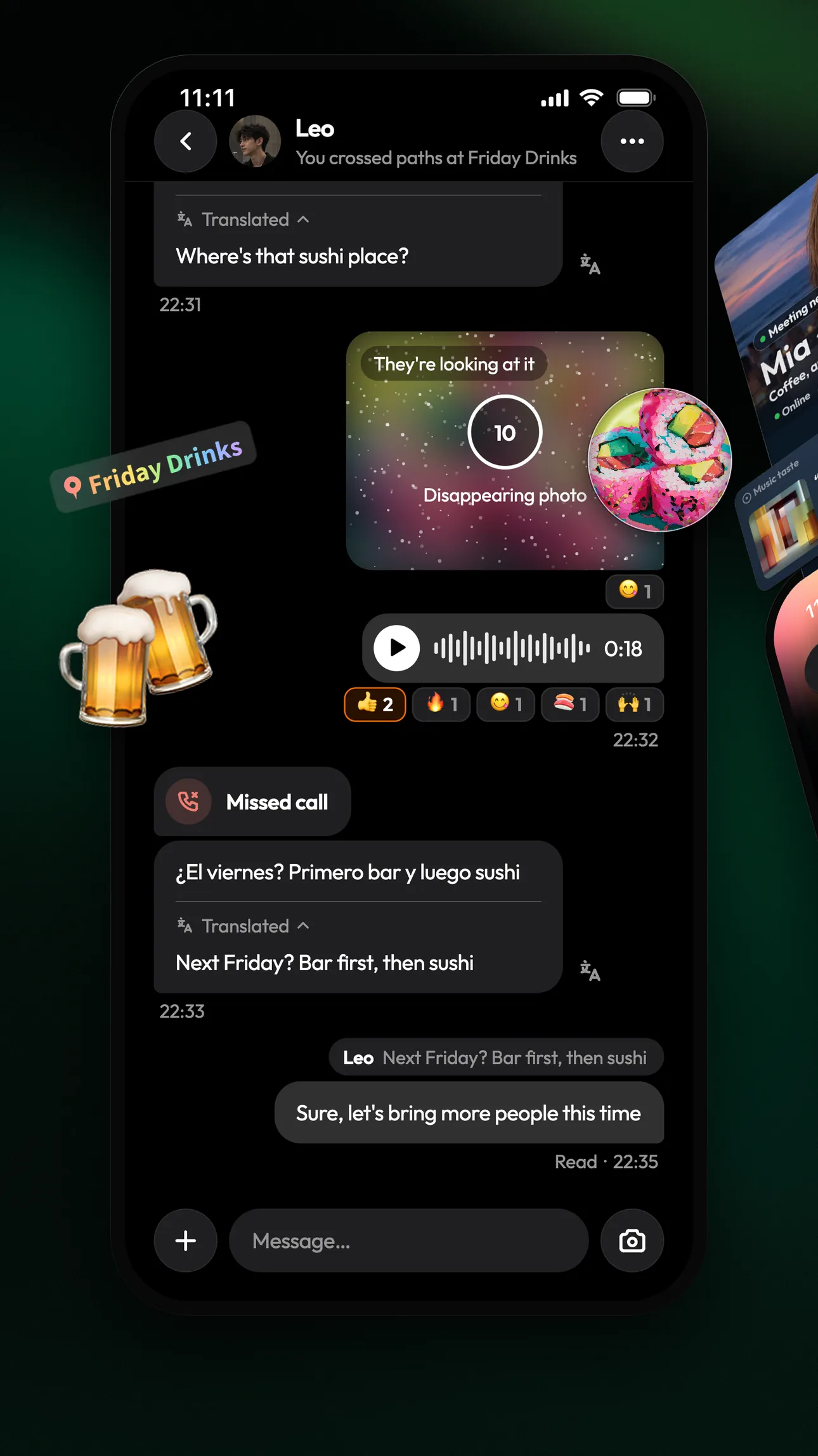
Found your people?
The event ends, the chat doesn’t
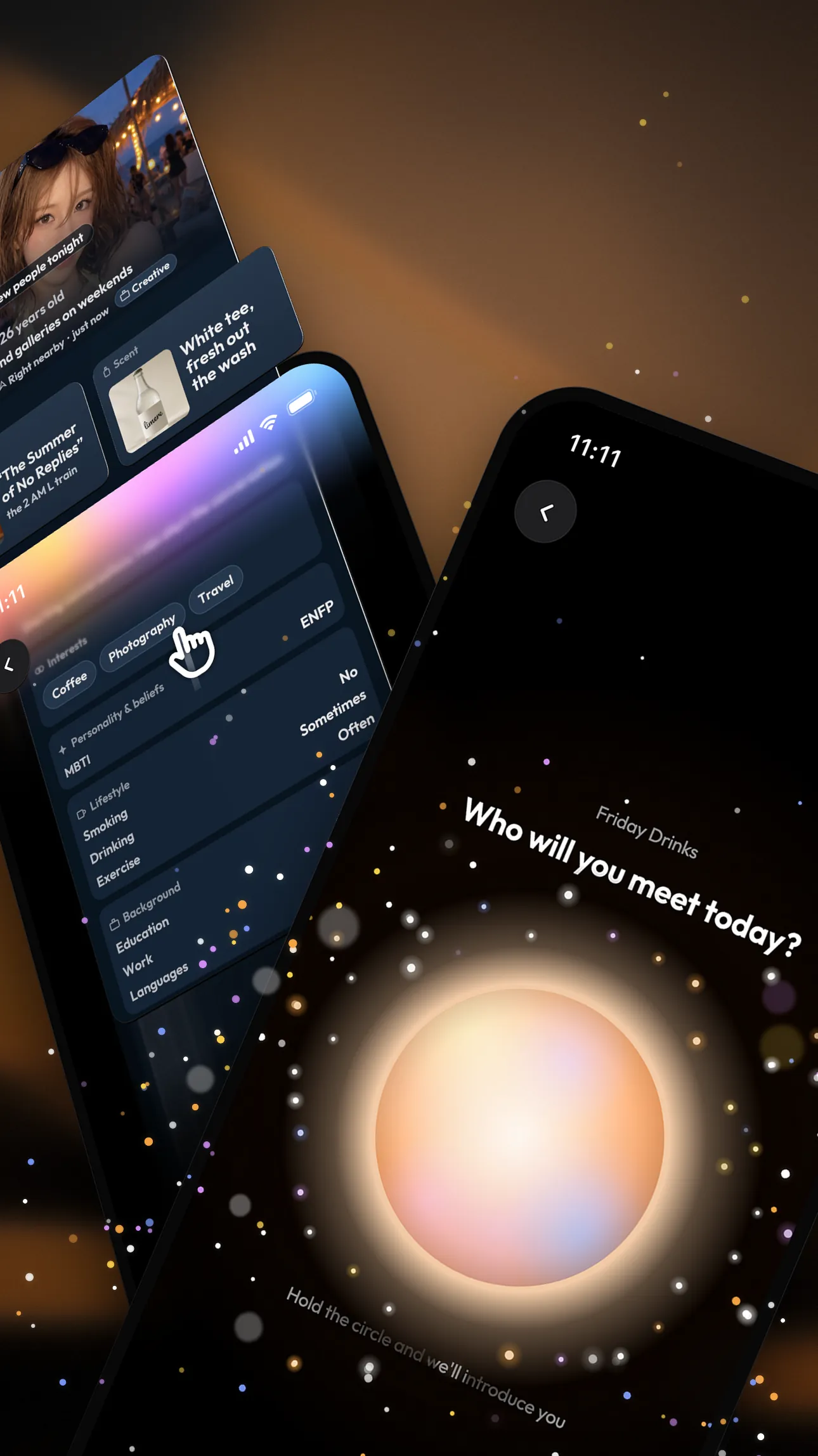
You’re both free right now
We introduce you, you swap cards


Questions, answered / 02
What people usually ask first
What does Limere actually do?
Basically, it makes it easier to meet the people who are actually around you right now. Whether it's a friend's party, an exhibit, a bar, or a work event, you can check if there's anyone you'd like to meet who's also open to meeting new people. If you miss them in the moment, you've still got a shot at finding them later.
So do I need to keep Limere open the whole time I'm out?
Nope, just do your thing. You don't have to keep checking your phone while you're hanging out with friends, in a meeting, or at an exhibit. Come back whenever you actually want to see who you ran into today and who you'd like to meet.
Isn't that kind of creepy? Can people keep tabs on me?
No. You decide when you show up, and you can go invisible or block anyone you'd rather not run into. Once you leave, other people won't know where you go next. You can be a little bolder about meeting people and still keep your privacy.
How do I join an event?
Open the Events tab in the app, pick one and tap join. Some public events with partners need you to sign up with the host first, and the event page will say so. You can also host a private event of your own and invite friends. To see what’s coming up, check the events page.
Where can I use it?
Anywhere other people around you have Limere open. It’s on the App Store in Taiwan, Thailand and the US. Events are usually where the most people are, so check the Events tab to see what’s coming up.
Why don’t I see anyone nearby?
An empty Nearby screen usually just means nobody else around you has Limere open right now, and that’s expected outside of an event. Join an activity from the Events tab: people who also have Limere open at that event will start showing up as you cross paths with them.
Is Limere safe?
You decide when you show up and what other people can see, and you can go invisible, block or report anyone. The person you report won’t know it was you, and we review every report. The full details are on the safety page.
How do I report or block someone?
Open their profile, or your conversation with them, and tap the ••• menu in the top corner. From there you can choose Report this person or Block this person.
How do I get it? Is it on Android?
It’s free on the App Store for iPhone right now. Android is in early access. Tap the Google Play button on this site and leave your email, and we’ll let you know as soon as it opens.
More on how Limere works, how Limere keeps you safe, or everything people ask.
Take Limere with you next time you go out
Free on iPhone, with early access for Android.

5.0 from 100+ reviews